


Spinstein App: Mobile Casino Gaming
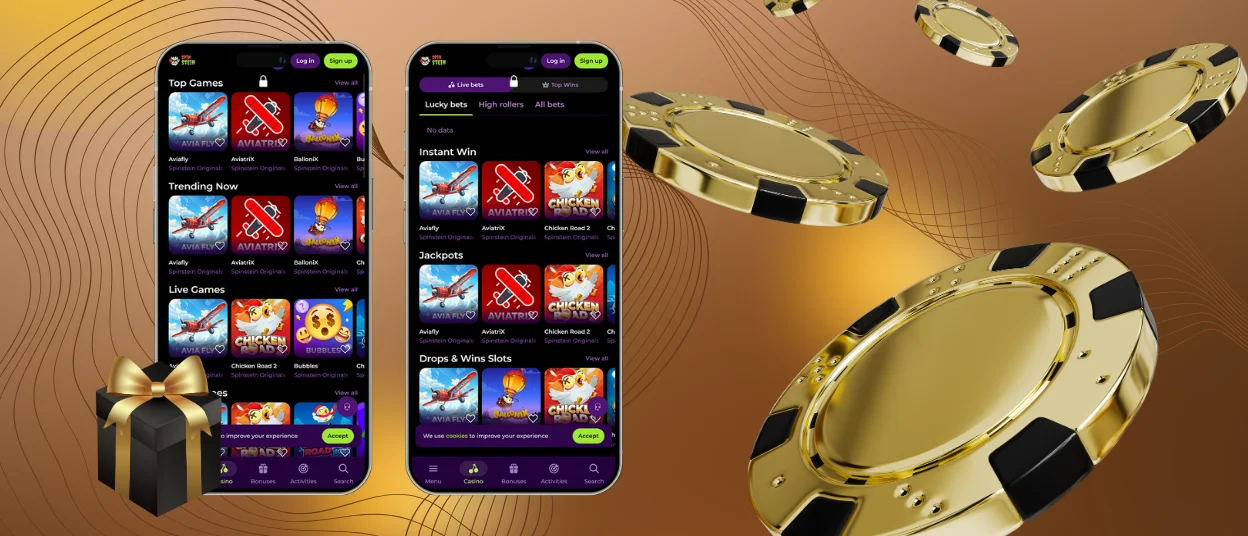
The Spinstein app is designed for quick mobile access to our casino. The software allows our clients to use all features and play any game from the collection. It offers fast navigation with crisp, smooth graphics. Our app is available with just one click on any device.



Spinstein App Features
The Spin Stein app offers a user-friendly gaming experience. Our application has the same core features as the desktop version, but with performance optimized for touchscreens. Users can manage their accounts, play games, and use all the casino functions. The mobile version offers faster performance and is accessible anywhere. The desktop website supports larger screens and a more detailed view.
| Feature | Mobile App | PC Version |
| Accessibility | Access from a mobile device at any time | Requires browser access on a desktop |
| Performance | Optimized for fast loading and touch control | Stable performance with higher system capacity |
| User Interface | Adapted for mobile screens and simple navigation | Larger interface with detailed layout |
| Account Management | Full access to deposits, withdrawals, and settings | Full access through the browser |
| Notifications | Real-time alerts for bonuses and updates | No push notifications |
| Convenience | One-tap access from the device | Requires manual login through a browser |
Spinstein App for Android OS
The Spinstein app is compatible with all Android devices. Our mobile version works on any smartphone or tablet. Players can access the same features as on the desktop website through the browser. The interface is optimized for Android systems, ensuring stable performance. We support fast loading for everyday use.
Spin Stein APK
No APK files are required to install the Spinstein Casino app. There is no need to look for a Spinstein APK file on the Play Store. We use Progressive Web App technology for direct access. Players can install the software with a single click from their browser. The process does not require downloading from external sources. The software runs securely and updates automatically. Players can launch the app from the home screen with a single click.
Spinstein App – iOS
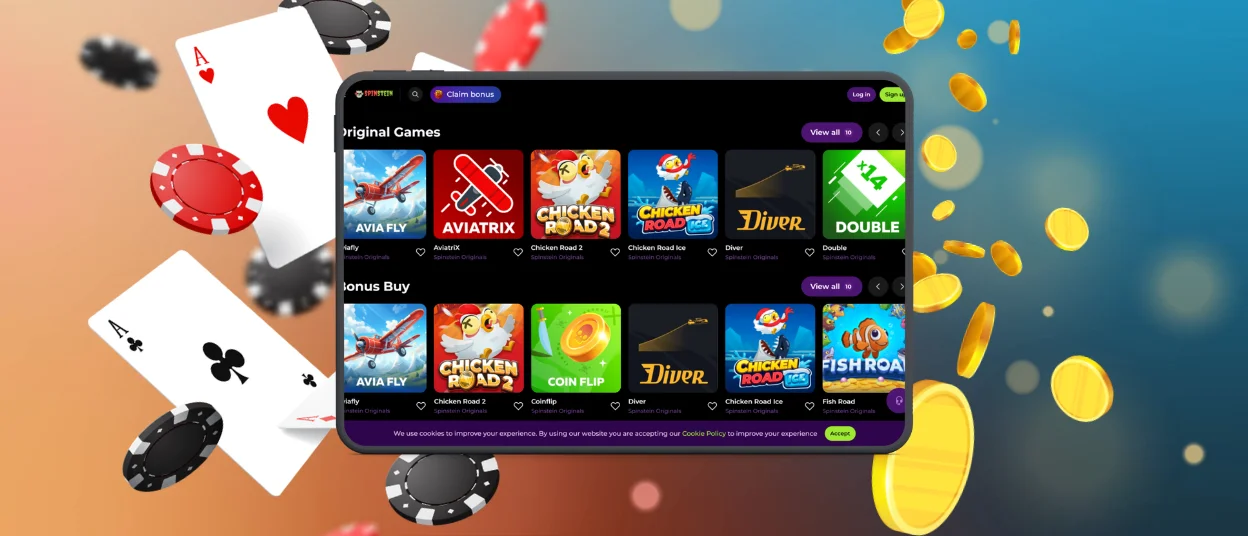
You can easily access the Spinstain app on any iOS device. Our software runs in Safari as a web-based solution. Players can use all features for gaming or account management. The interface is optimized for iPhone and iPad screens. We guarantee quick access with no need to download it from the App Store.
How to install the Spinstein App on iOS:
- You need to open the Spinstein website in Safari.
- Then you should tap the “Share” icon at the bottom of the screen.
- After that, you are supposed to choose “Add to Home Screen” from the menu and confirm the action by tapping “Add”.
Spin Stein Casino – Desktop Version
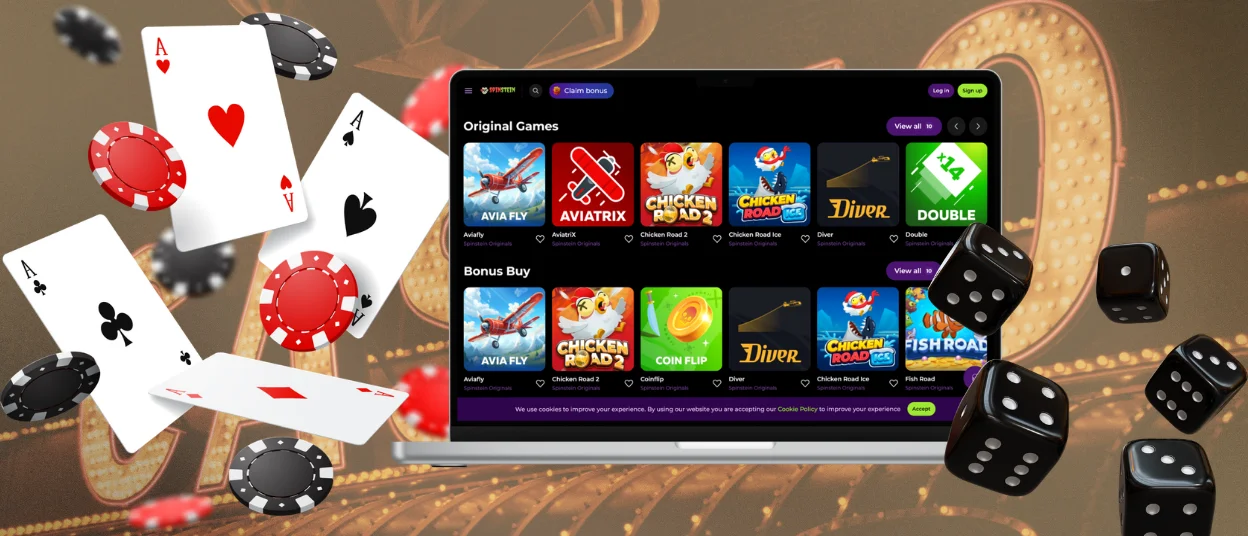
You can install the Spinstein Casino desktop app for quick access to our website. Players can use the platform on Windows and macOS without installing any software. The desktop version runs as a web app in your browser and supports all mobile casino features.
We’ve optimized the desktop version for large screens. Live dealer games feature high-quality video. In the PC version, you can play online slots in full-screen mode. Users can manage deposits and withdrawals in the main menu.
The Spinstein Casino shortcut is created on your desktop for quick access. It opens the platform with a single click. The advantage of the app is that you can receive notifications about casino updates and all the latest news.
Security and Fair Play
At Spinstein Casino, verification is required for withdrawals and bonus claims. Players must complete the Know Your Customer (KYC) process to confirm their identity. Required documents include proof of age, proof of address, and payment information. The verification process is necessary to maintain the security of all users. Spinstein players can complete the procedure in our app.
Some of our security measures:
- TLS Security – We use TLS 1.3 encryption and HTTPS with valid certificates to protect data transfers.
- Transaction Monitoring – Withdrawals are reviewed manually, and all payment activity is monitored in real time.
- Game Fairness – All games run on certified random number generators. Independent laboratories test our systems regularly.
- System Security – We maintain firewalls, DDoS protection, and intrusion detection systems to secure the platform.
- Account Security – Two-factor authentication and CAPTCHA prevent unauthorized and automated access.
FAQ
What are the minimum system requirements for the app?
The Spinstein app works on most mobile devices. We support Android and iOS gadgets with up-to-date browsers. A stable internet connection is required for the app to function properly. We regularly optimize the platform for use on various devices. Automatic system updates ensure the software continues to work smoothly.
How do I install the APK file on my Android device?
We do not use APK files for installation. Spin Stein provides access via a progressive web app. Players can install the software directly from their browser with a single click. No downloads from external sources are required. The app installs quickly and updates automatically. Players can launch the software at any time.
Can I use my existing account in the mobile app?
Players can use their existing Spinstein account in the mobile app. Our software allows full synchronization across all devices. If you have any questions about the installation process, you can contact our support team. Our specialists are available via live chat or email.
Is there a difference between the app and browser versions?
The browser version and the mobile app have the same features. Users can play, win, and withdraw money through the software and in Safari or Google Chrome. The Spin Stein mobile app offers faster access and is optimized for touchscreen controls. The browser version provides a larger interface on desktop devices.


